editor,本身免费又小巧,倒也可一试。
XVI32,就是这样一款免费软件,但是在国内知名度并不高。如果搜一下,中文结果很少有直接介绍它的,倒是用它修改摩托手机的文章不少。XVI32的名字来自罗马数字,look,16的罗马字母大写就是XVI!
它完全绿色,作者在官方主页上说,“它不向注册表写任何内容”,当然,也无需安装,解压即可。解压包仅430KB,可谓非常小巧,而功能超群。
作者说,“甚至微软的人也在用它”,并且有文为证 http://support.microsoft.com/kb/835840/EN-GB/ 此文中提到用hex
editor恢复office文件时,文章作者高度称赞了XVI32.
它的脚本功能很强(不过,xbeta并未用过,呵呵)
主页:
http://www.chmaas.handshake.de/delphi/freeware/xvi32/xvimain.htm
下载:当前版本是2.51,http://www.handshake.de/user/chmaas/delphi/download/xvi32.zip
主窗口界面如下: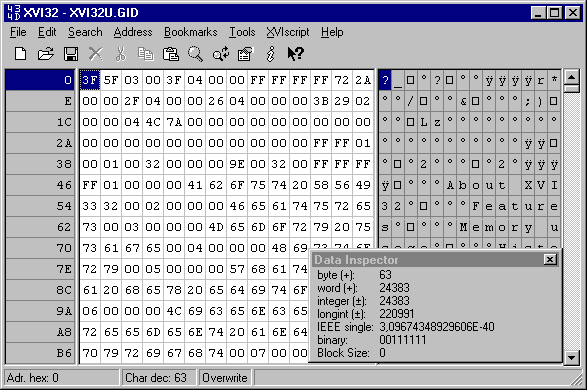
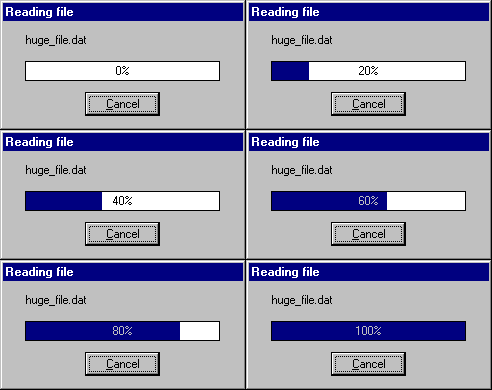
XVI32 provides progress indication in percent
for most operations. The progress window allows also to abort
nearly all operations, e.g. reading/writing files, search, replace,
print...
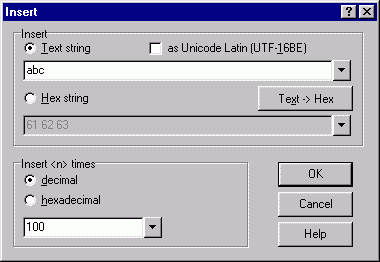
This example shows how to insert the string
abc 100 times.
XVI32: Find or Count
Strings
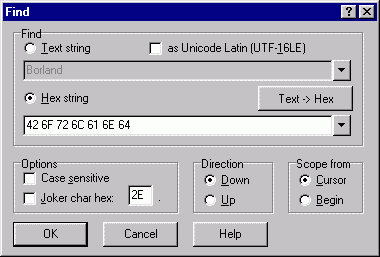
This dialog is used for find/count occurences
of text or hex strings. In the above example, the "Text -> Hex"
button was used to convert the text "Borland" into the
corresponding hex string
"42 6F 72 6C 61 6E 64".
XVI32: Replace Text or Hex
String
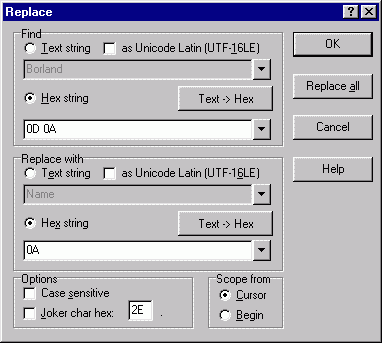
This converts a DOS file into UNIX file format.
The most recently used text and hex strings for both find and
replace input fields are saved in XVI32.INI file.
XVI32: Character
Conversion
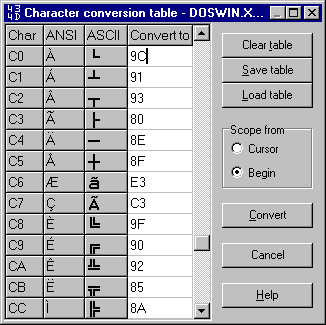
Character conversion is performed using
self-defined character tables. In the above example, character $C0
will be converted to $9C. Each table can be stored in a XCT file to
reload it later.
XVI32: Go To
Address
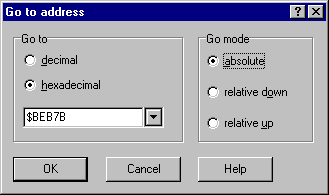
Enter a decimal or hexadecimal address and go
absolute or relative up/down.
XVI32: Encode and Decode
Numbers
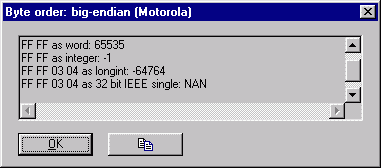
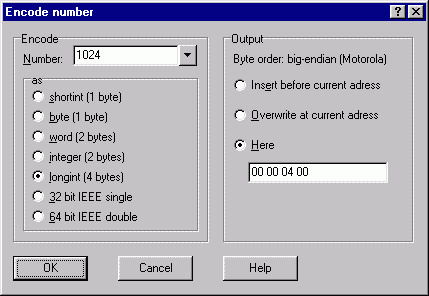
Left: Decode a number. Right: Encode a
number.
XVI32: Bit
Manipulation
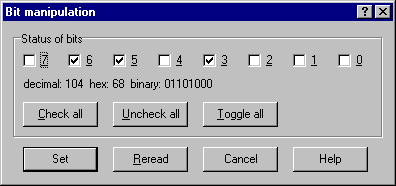
XVI32 allows to view or set the bits at the
current address.
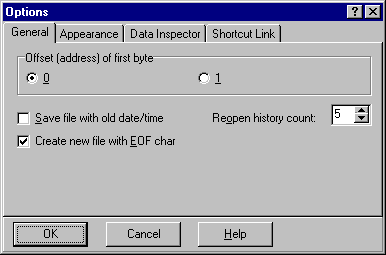
XVI32:
Options
|
|
Here you set general options. |
|
?/P> |
|
|
|
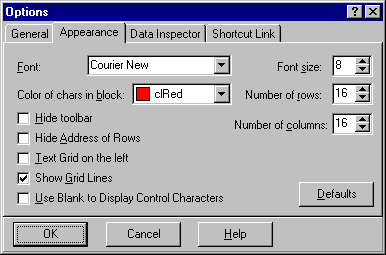
These settings determine the appearance of |
|
?/P> |
|
|
|
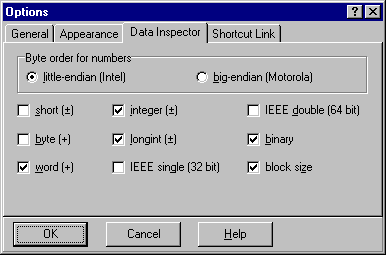
Here you define which byte order is used for |
|
?/P> |
|
|
|
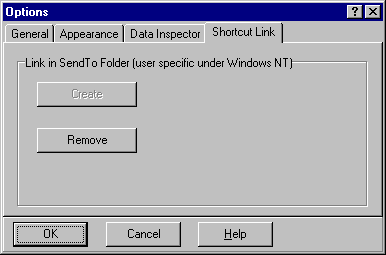
Here you can create or remove a shortcut link |
XVI32:
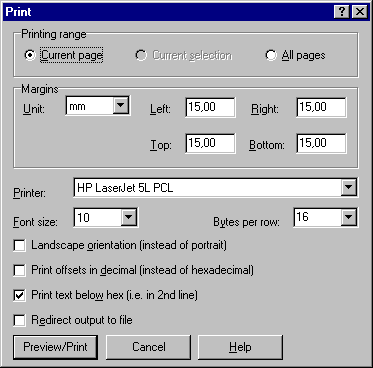
Printing
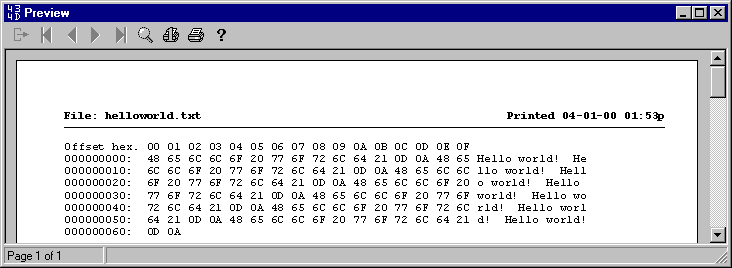
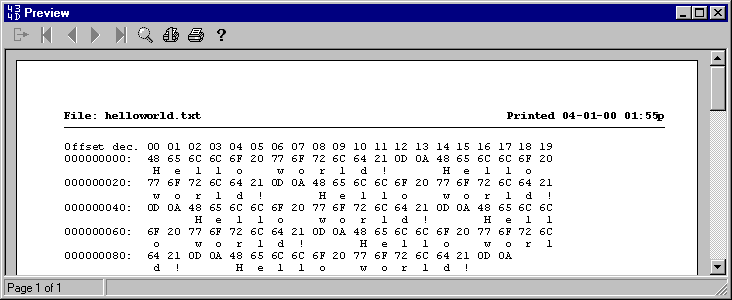
XVI32: Print
Preview
XVI32: XVIscript
interpreter
|
|
|
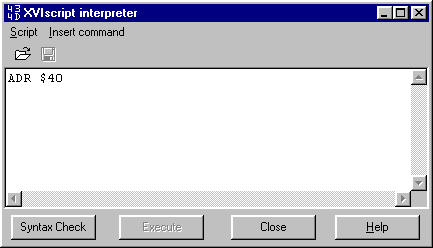
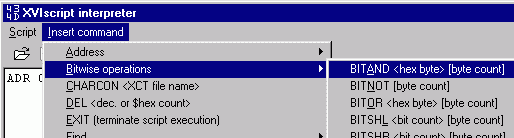
The built-in XVIscript
interpreter is a powerful feature to autom
>


发表回复
要发表评论,您必须先登录。